The WISP Aligner
The WISP Aligner is the first cost effective, budget friendly GPS antenna alignment system that helps operators perform accurate and reliable antenna alignment on any kind of point-to-point or sector antenna.
With its compact size, rugged design, user friendly GUI, unique reporting capabilities the WISP Aligner is the future for antenna alignment for ALL Operators and hobbiest.
Watch
What is WISP Aligner?
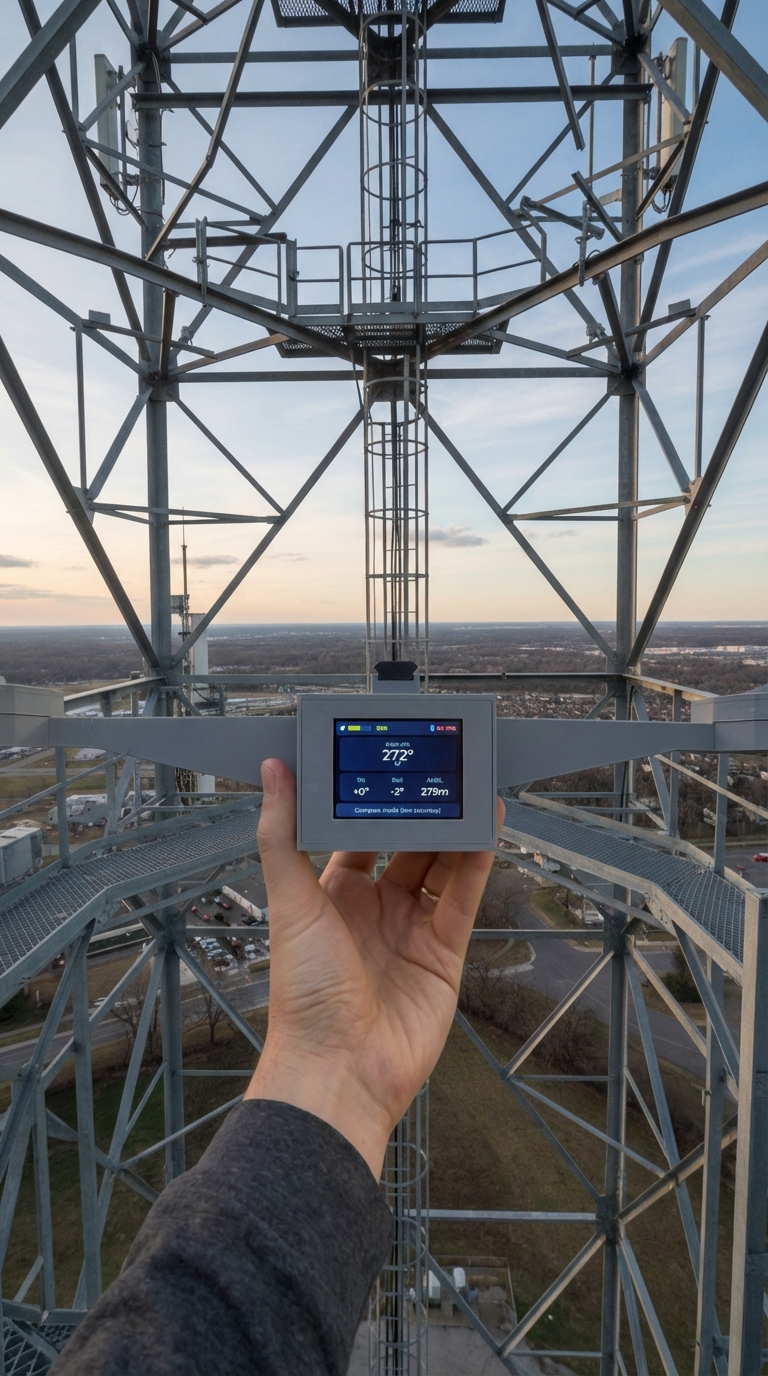
See how the WISP Aligner device and companion app work together to align antennas accurately and document the finished install.
Why the WISP Aligner is a Game-Changer:
Stop guessing and start syncing.
Precision Accuracy
Engineered for high-reliability point-to-point (PtP) or sector antenna alignment, ensuring maximum throughput and minimal latency.
How it works
Step 1: Mount
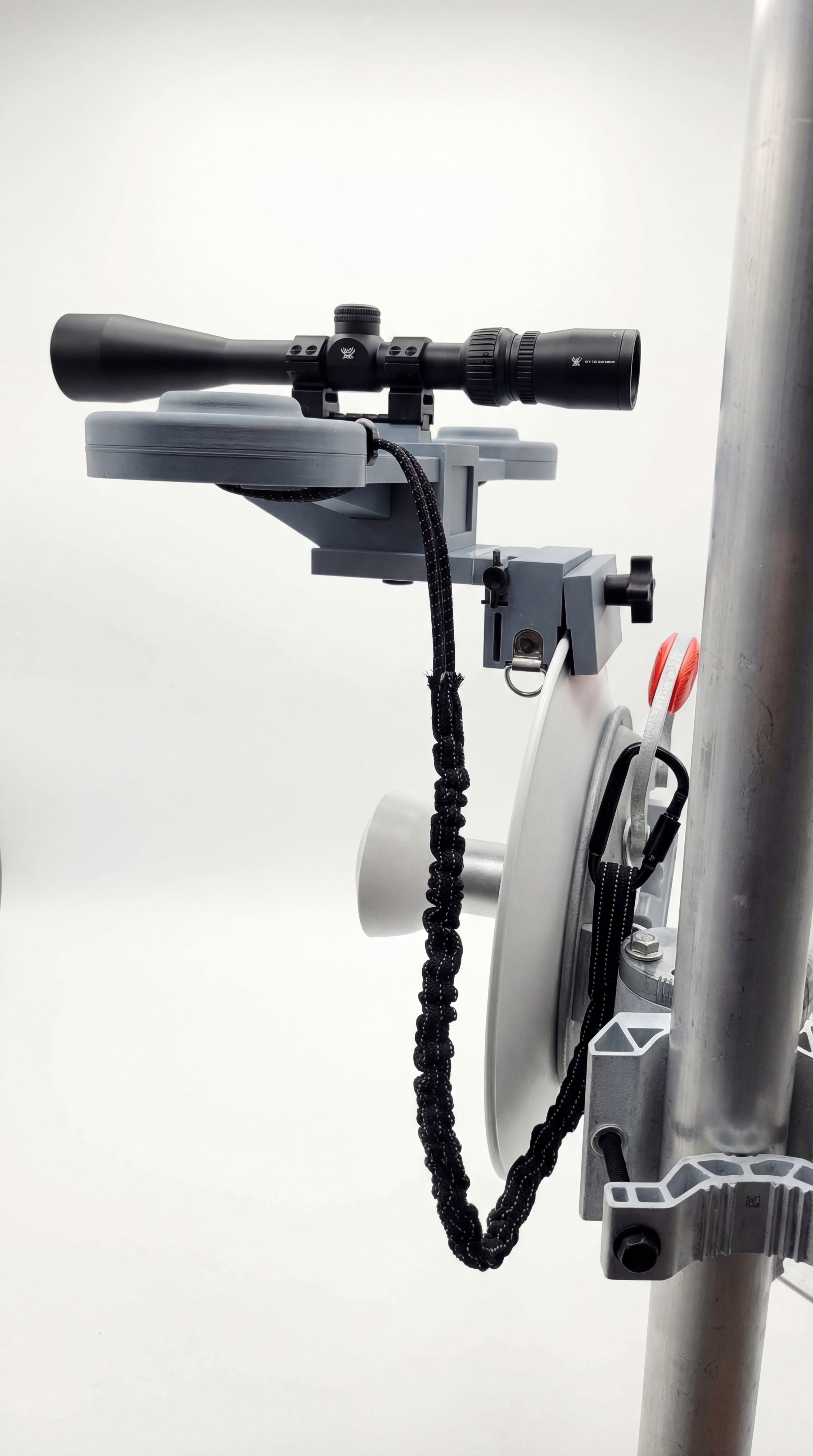
Attach the aligner to the antenna or mount using the appropriate bracket so you can install it accurately. See mounting options.
Step 2: Align
Use the on-device display to dial in azimuth, tilt, and roll and verify the antenna is installed as intended.
Step 3: Report
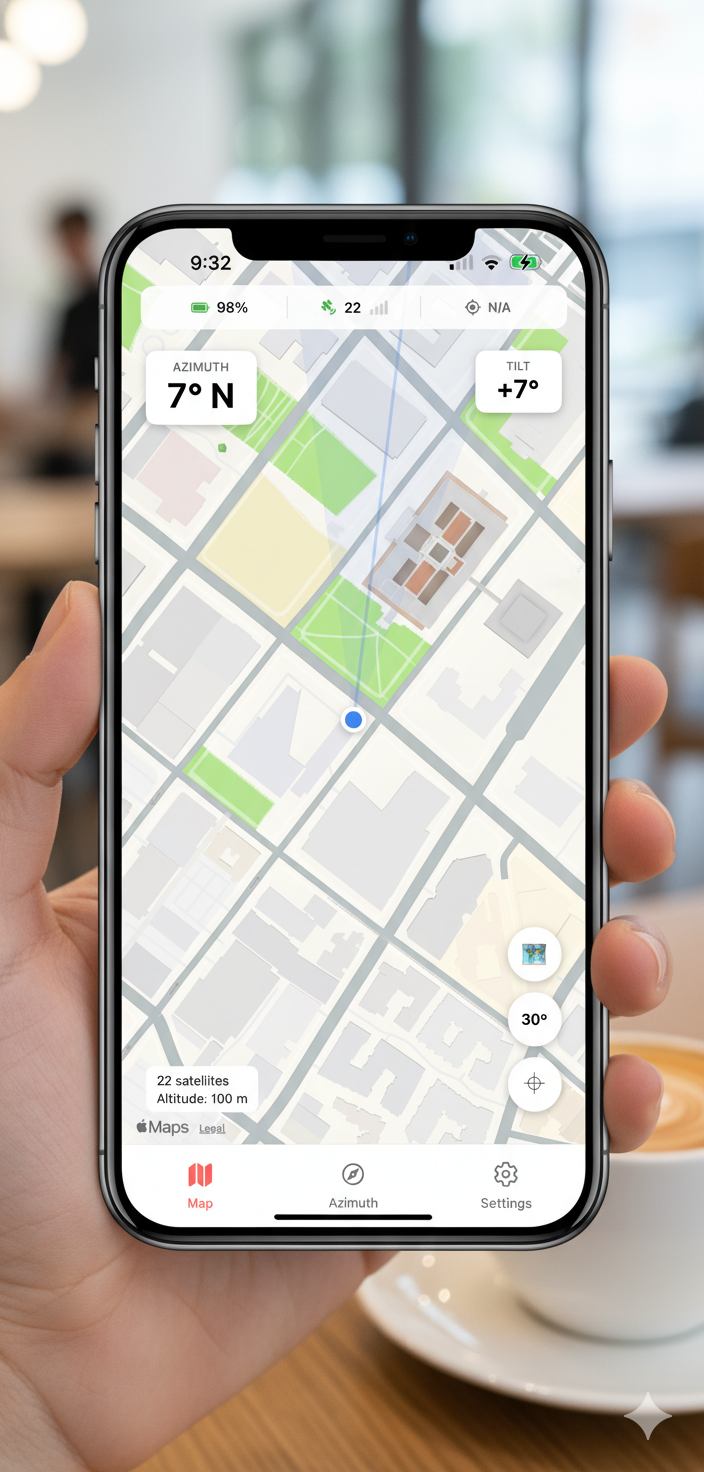
Capture photos, export a closeout report, and share installation documentation from the field with the companion app.
Companion app
iOS and Android reporting workflow
Use the app to capture photos and alignment data so every installation is documented before you leave the site.
Built for installation documentation
Capture required fields and photos, then export and share the finished installation record from your phone.
Direct link to app details
See platform links, workflow screenshots, and reporting details on the App page, including use cases such as CBRS closeouts.
Benefits
Built for field crews and serious installers
Clear readings, durable hardware, and simple reporting make the device practical in real alignment workflows.
Fast on-tower workflow with a built-in screen
Simple closeout reporting from iPhone and Android
Flexible mounting options for sector, dish, and TwistPort antennas
Reduces install time and avoids return visits
FAQ
Quick answers for common questions.
Does it work with iOS and Android?
Yes. The workflow is designed for both.
What does it measure?
Azimuth, tilt, and roll.
What report formats are supported?
PDF, CSV, and KML (Google Earth compatible).
Is a scope included?
No. The scope mount rail is standard, but the scope/optic itself is not included.